Features

Built for how marketing
teams actually work.

Every feature started from a real problem. No bloat, no enterprise-speak.

Analytics

See exactly where your clicks come from.

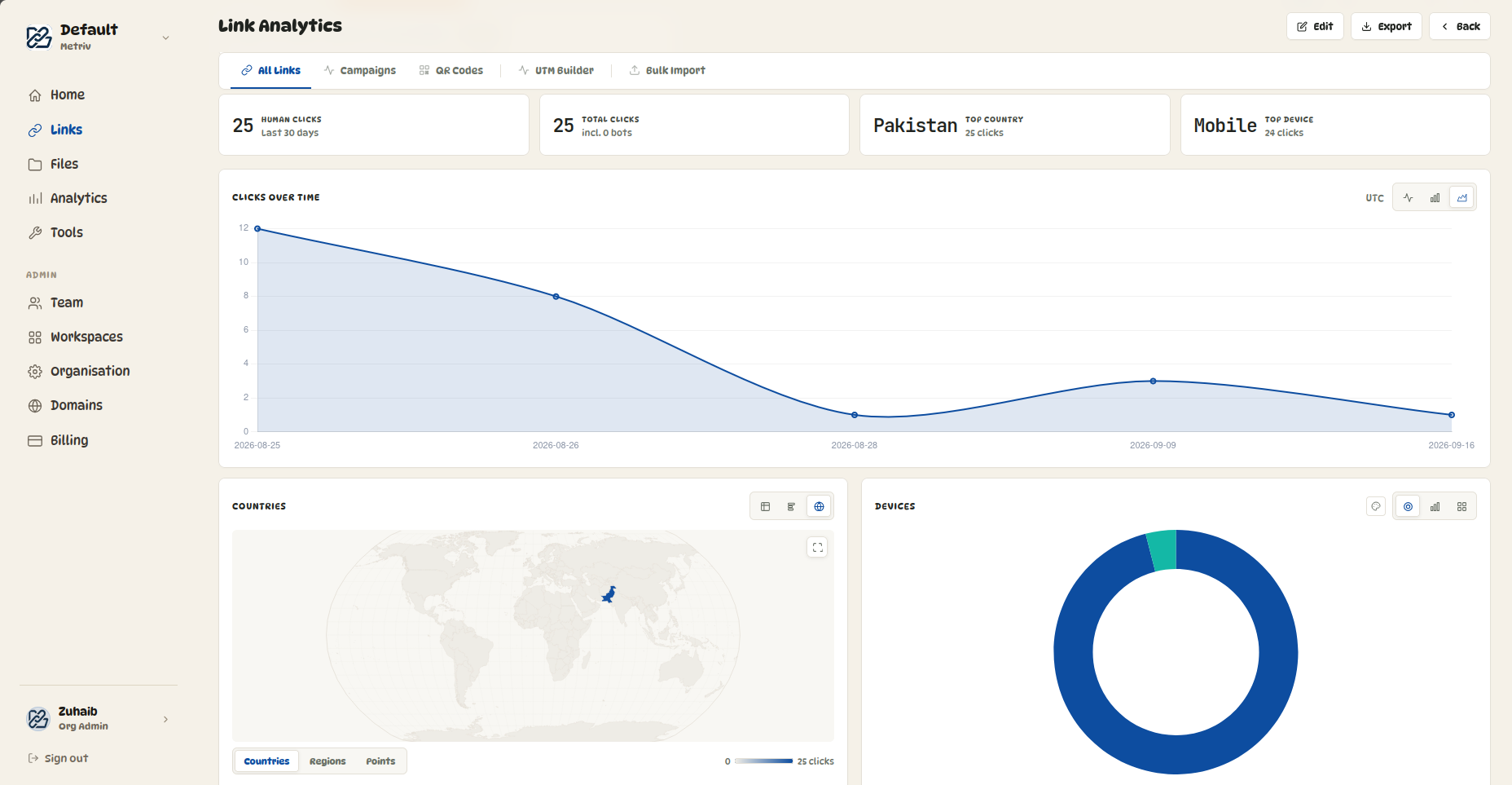
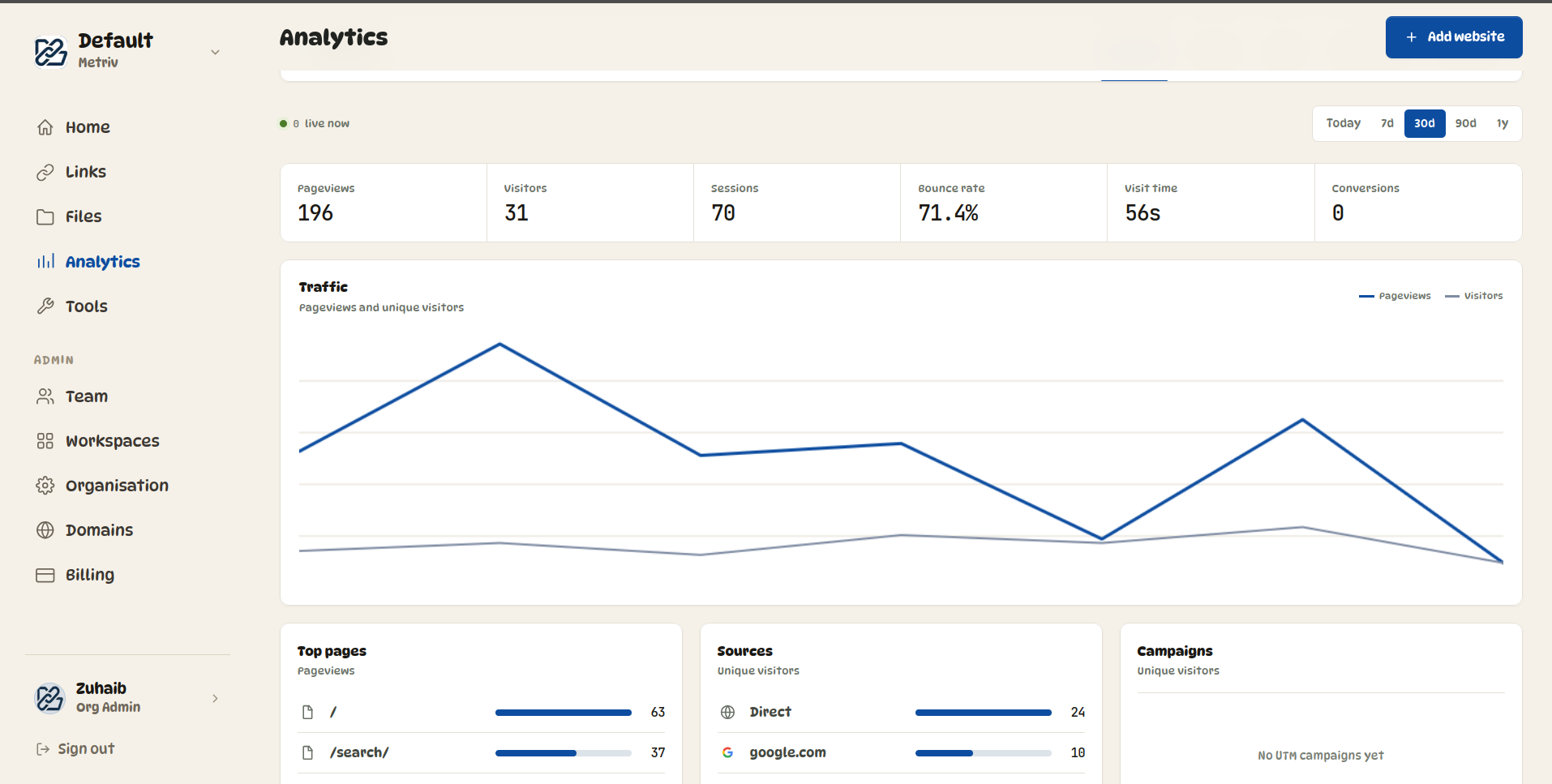
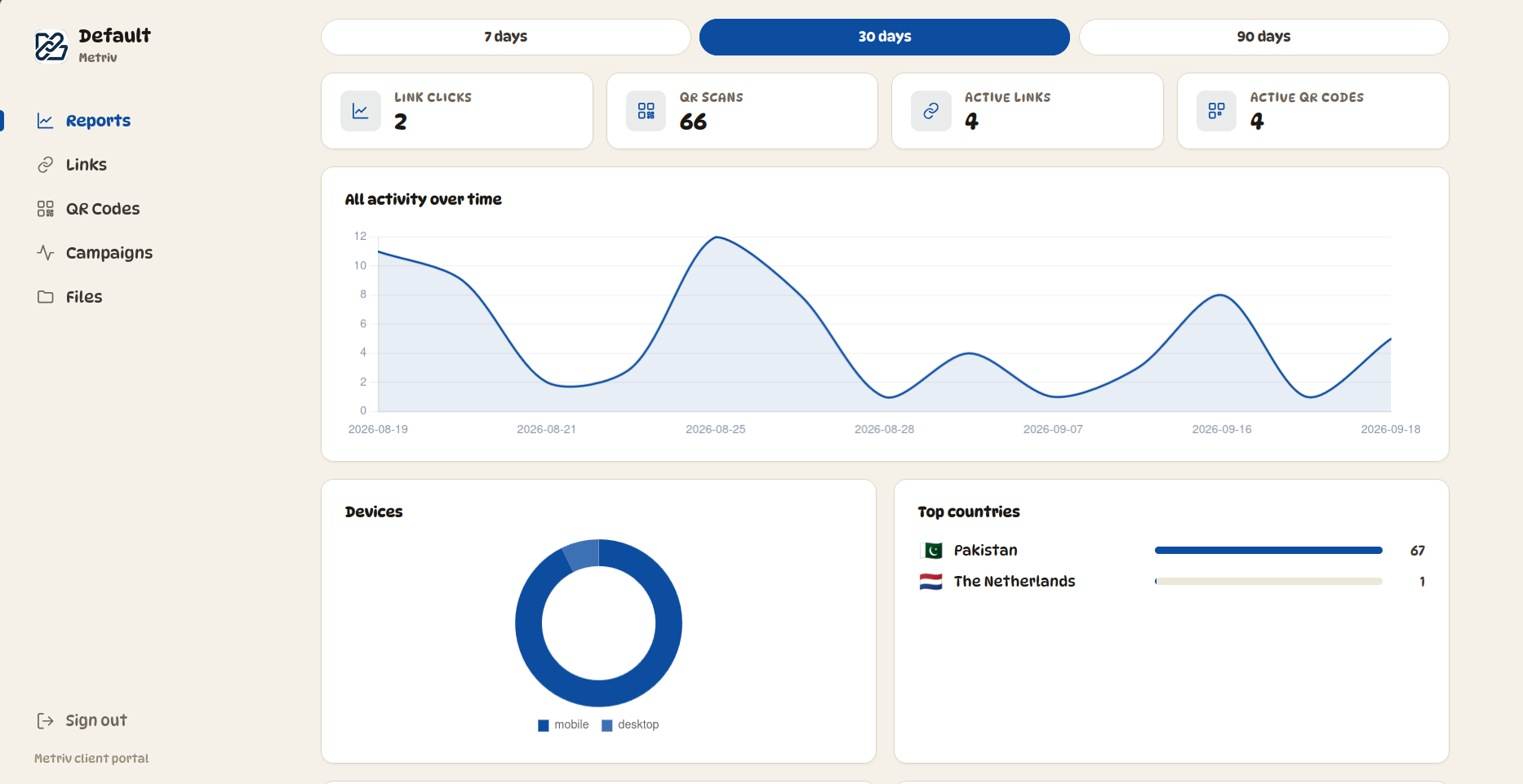
Every link has a full analytics dashboard — not just a click count. See who clicked, where they were, what device they used, and where they came from. Switch between chart types and save your preferred view.

  • Clicks over time — line, bar, or area chart
  • Geographic breakdown by country with click counts
  • Activity heatmap — hour of day × day of week in your timezone
  • Device breakdown — desktop, mobile, tablet (doughnut, bar, or blocks)
  • Browser and OS breakdown
  • Referrer domain tracking — see which sites are sending traffic
  • UTM source and medium breakdown
  • Filter by 7d, 30d, 90d, 180d, or 1 year
  • Chart view preferences saved per browser
Analytics demo
Video coming soon
Export & reporting

Get the data out however you need it.

Every analytics view can be exported. Send raw data to your own tools, or generate a branded PDF report to share with clients or management — directly from the analytics page.

  • Export click data as CSV — spreadsheet-ready
  • Export click data as JSON — for developers and integrations
  • PDF report generator — charts captured directly from the page
  • Choose which sections to include in the PDF
  • PDF uses your organisation's branding and colours
  • Download happens entirely in the browser — nothing stored on servers
  • Filter exports by date range and bot inclusion
  • Available for both individual links and full campaigns
Export demo
Video coming soon
Bulk import

Create hundreds of links at once.

Upload a CSV and create up to 500 links in a single operation. Preview exactly what will be created before confirming. Every row gets validated before anything is written — so nothing gets created partially.

  • Upload a CSV with up to 500 rows
  • Full preview before confirming — see every link before it's created
  • Per-row validation — errors flagged with exact row and column
  • Set destination, title, short code, campaign, UTM params, expiry, and password per row
  • Override domain and campaign for the whole batch at confirm step
  • Download a result CSV after creation — all short URLs in one file
  • Download a template CSV with example rows to get started
Bulk import demo
Video coming soon
UTM Builder

Build tagged URLs and shorten them in one step.

The UTM builder is a proper tool — not an afterthought. Build your full tagged URL with source, medium, campaign, content, and term. See the final URL as you type. Then shorten it directly to your domain without leaving the page.

  • UTM source, medium, campaign, content, and term fields
  • Live preview of the full tagged URL as you fill it in
  • Suggested values for common sources and mediums
  • One-click copy of the tagged URL
  • "Shorten this URL" button — sends it straight to the link creator pre-filled
  • Stays in the browser — nothing is saved until you create the link
UTM builder demo
Video coming soon
Campaigns

Group your links. See the whole picture.

Create campaigns and group any links into them. Running a product launch? A seasonal sale? Put all those links in one campaign and see aggregate performance — total clicks, top countries, clicks over time — all in one view.

  • Unlimited campaigns per workspace
  • Aggregate clicks across all links in a campaign
  • Campaign-level analytics with the same chart depth as individual links
  • Per-link breakdown within a campaign — sorted by performance
  • Export campaign data as CSV, JSON, or PDF
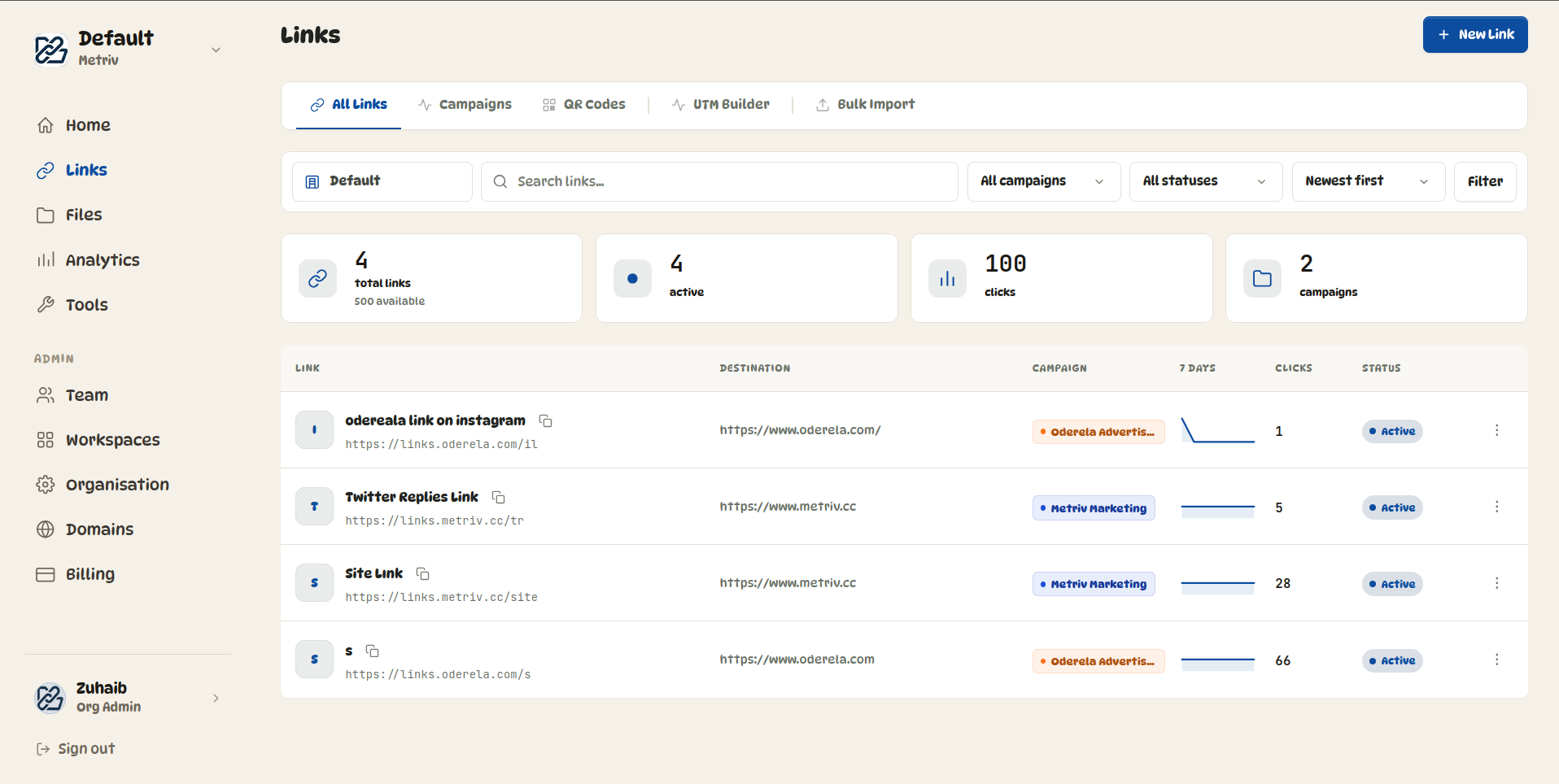
  • Color-coded campaign pills on every link in the list
Campaigns demo
Video coming soon
File & asset storage

A proper home for marketing materials.

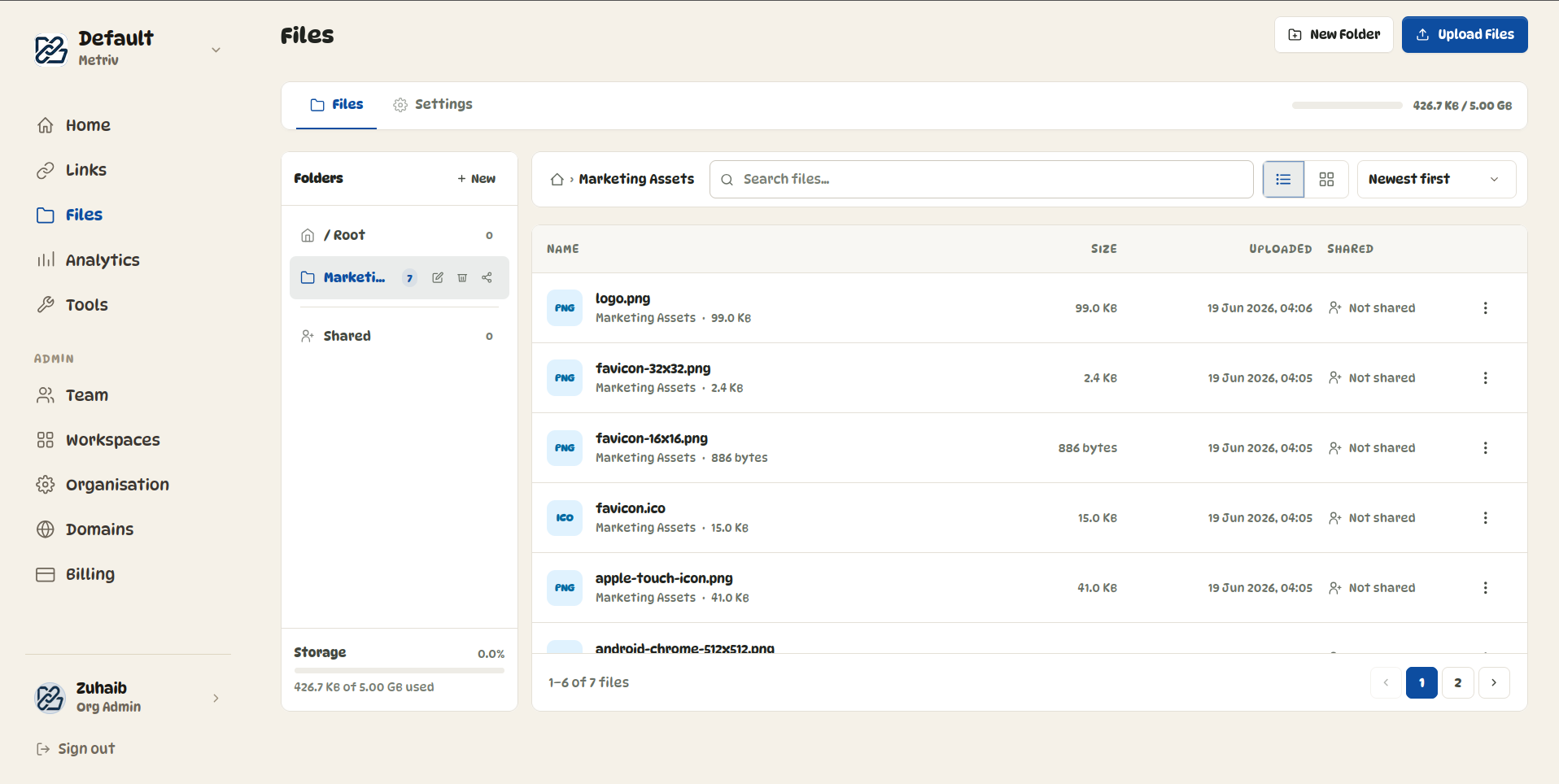
Store brand assets, campaign materials, SOPs, and documents organized by workspace. Share with expiring links on your domain — not Google's, not WeTransfer's. Files stay until you delete them.

  • Upload and store files up to 500 MB each
  • Organised by workspace — each team in their own space
  • Folder organisation within each workspace
  • Private by default — nothing accessible without a share link
  • Public share links on your own domain
  • Folder-level share links — share an entire folder at once
  • Direct-to-storage upload — file bytes never pass through Metrik's server
  • Per-workspace and per-organisation storage quotas
File storage demo
Video coming soon
Workspaces

Each team in their own lane.

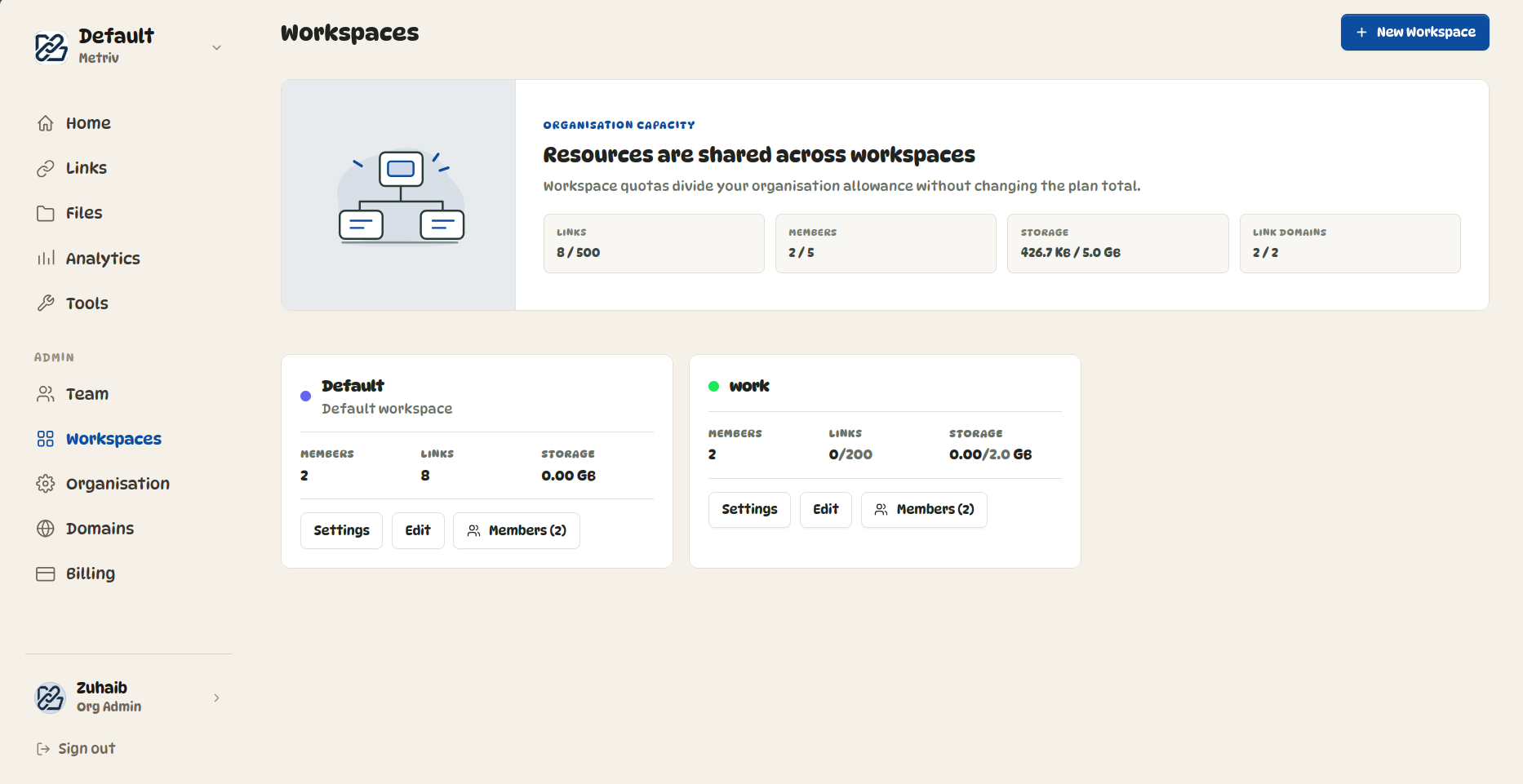
Links and files are tied to workspaces. Marketing has their campaign assets. Ops has their SOPs. Sales has their proposals. Admins control who can access what — without contacting us.

  • Isolated workspaces with separate link and storage quotas
  • Granular access control — manage links, view links, manage files, view files separately
  • Org-level admin panel — manage members, workspaces, and quotas yourself
  • One login, all workspaces
  • Per-workspace branding inherited from org settings
Workspaces demo
Video coming soon
QR Code Generator

Free. Standalone. Stays in the browser.

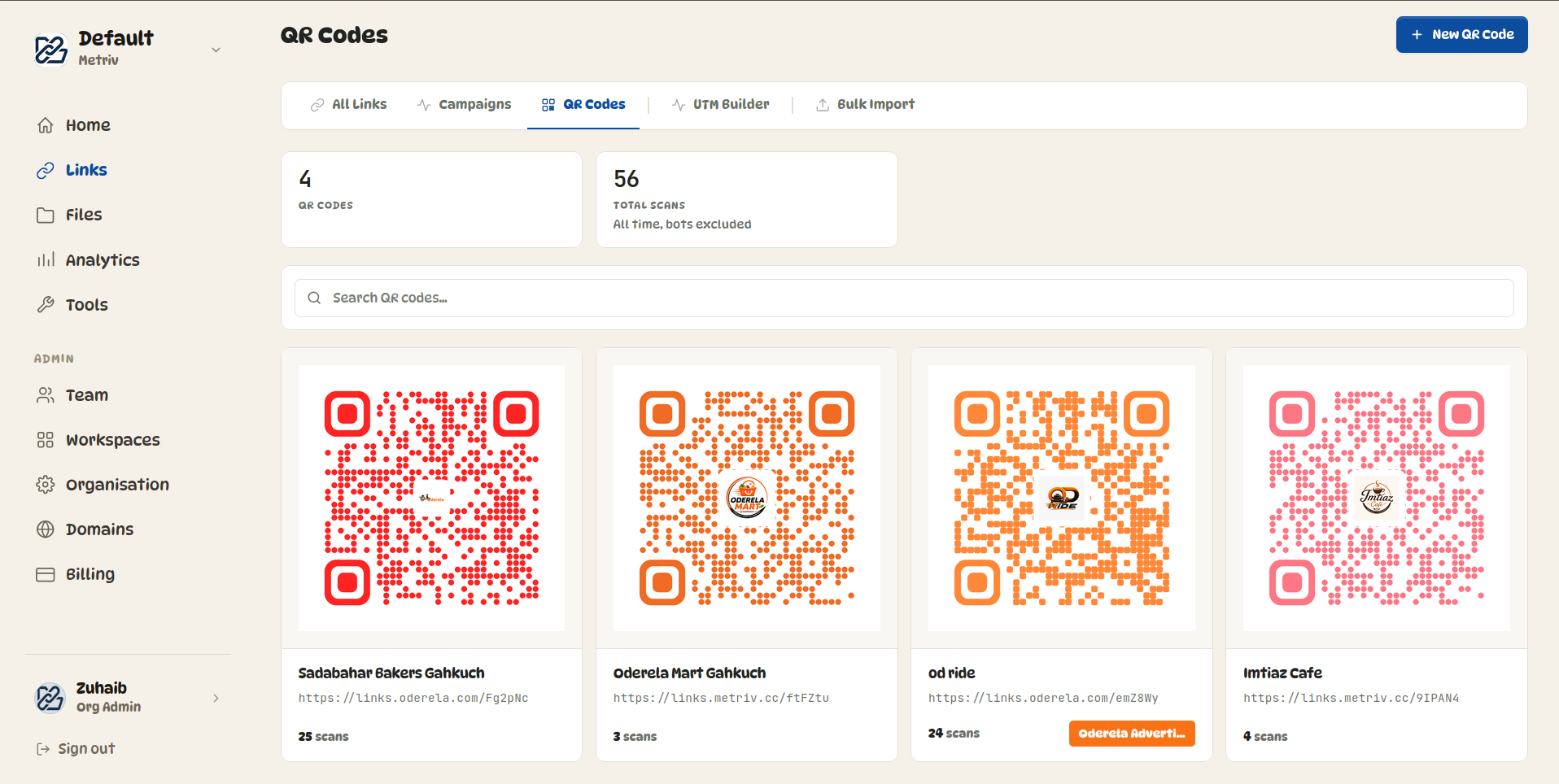
The QR generator is completely free and runs entirely client-side — your data never gets sent to any server. It's a pure generator, not tied to any tracked link.

  • URL / Link QR codes
  • WiFi network QR codes
  • Contact information (vCard) QR codes
  • Email QR codes with pre-filled recipients
  • SMS QR codes with preset messages
  • Event QR codes — date, time, location
  • Geolocation QR codes
  • Custom colors, dot styles, marker styles
  • Download as PNG, SVG, or JPG
  • 100% client-side — your data stays in the browser
QR generator demo
Video coming soon

See it on your domain.

Email us and we'll walk you through a live demo — your branding, your account, before you decide anything.

demo@metriv.cc